
Install Vue 3 + Vite + Typescript
Create the new app
Vue.js comes with prebuilt tooling making creation of the new app smooth and saving a lot of time.
- From the root directory of the project, run:
npm create vue@latestand follow the wizard. Here are the recommended selections:
✔ Project name: … apps
✔ Add TypeScript? … Yes
✔ Add JSX Support? … No
✔ Add Vue Router for Single Page Application development? … Yes
✔ Add Pinia for state management? … Yes
✔ Add Vitest for Unit testing? … Yes
✔ Add an End-to-End Testing Solution? … Cypress
✔ Add ESLint for code quality? … Yes
✔ Add Prettier for code formatting? … Yes- Run the project
cd apps
npm install
npm format
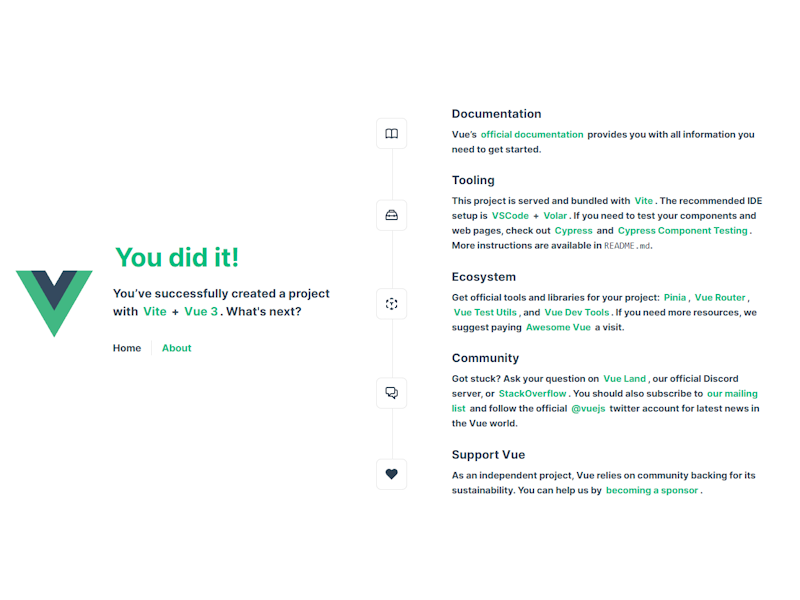
npm run dev- You will now be able to open your application in a browser. Follow instructions in a terminal.
What is included?
As mentioned, Vue.js comes with a number of selections, many of which will be improved and extended in the app. Here is a brief summary.
TypeScript
TypeScript is a strongly typed programming language that builds on JavaScript, giving you better tooling at any scale.
Vue Router
Vue Router provides expressive, configurable and convenient routing capabilities for the application.
Pinia
Pinia provides state management for Vue.js enabling the creation of large and complex applications.
Vitest
Vitest is a test framework for writing unit tests and component tests.
npm run test:unitCypress
Cypress is a framework for writing end-to-end tests.
npm run test:e2e:devESLint
ESLint is a static code analyzer that identifies potential problems in code.
npm run lintPrettier
Prettier is a code formatter that ensures that code is consistently written throughout the project.
npm run formatFile path alias
In addition, the app is pre-configured with a file path alias for files in ./src to avoid writing constructions like ../../include. Instead, we can use a file path alias for the source directory and write @/modules/my_module/include, where @ represents the ./src directory.